Top Most Friend v1.6.0
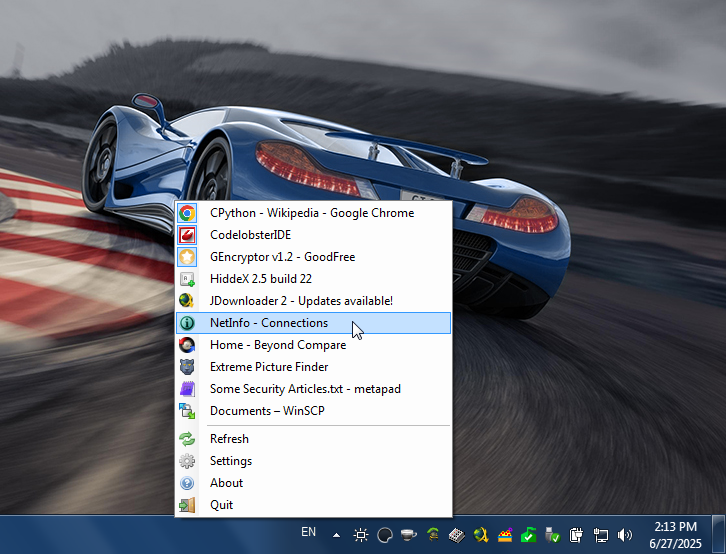
Top Most Friend - a utility for Windows XP and up that silently runs in from your system tray area and lets you toggle the always on top status of almost any application window.
Changelog:
v1.6.0 — 2021-07-09
[+] Added localisation system.
[+] Added Dutch language support.
[+] Added a first-run window that runs the user through common configuration options on first start.
[+] Added an option to revert top most states to before Top Most Friend edited it upon closing the program. Thank you Fransiscu for the idea and a reference implementation!
[+] Added the option to start Top Most Friend with Windows on log in.
[*] TopMostFriend will only run as administrator when necessary rather than always. Though, an option to always run as administrator still remains.
[*] Changed order of toggle options in the settings window.
[*] Windows created by Top Most Friend are now always on top themselves, obviously you can alter this again with the hot key if you want to.
[*] Altered layout of the blacklist editor slightly to make it look more natural.
Homepage: https://flash.moe/topmostfriend
Changelog: https://flash.moe/topmostfriend/changelog.php
GitHub: https://github.com/flashwave/topmostfriend
Скачать: Top Most Friend v1.6.0
SmartSystemMenu v2.32.1
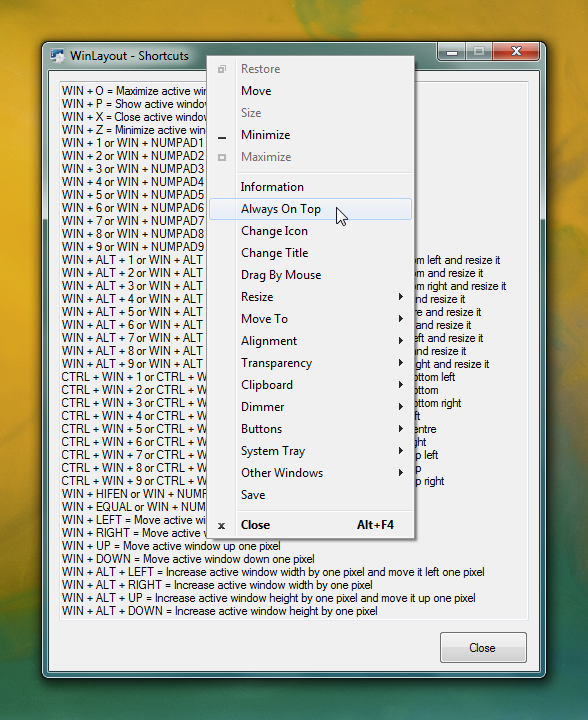
SmartSystemMenu - extends system menu of all windows in the system. It appends next custom items to menu:
• Information. Shows a dialog with information of the current window and process: the window handle, the window caption, the window style, the window class, the process name, the process id, the path to the process.
• Hide. Allows to hide the current window.
• Roll Up. Allows to roll up and down the current window.
• Aero Glass. Allows to add the "Aero Glass" blur to the current window. (Windows Vista and higher. Mostly for console windows.)
• Always On Top. Allows the current window to stay on top of all other windows.
• Change Icon. Allows to change the icon of the current window.
• Change Title. Allows to change the text in the title bar.
• Send To Bottom. Allows to send to bottom the current window.
• Save Screenshot. Allows to save the current window screenshot in a file.
• Open File In Explorer. Allows to open a process file in a File Explorer.
• Drag By Mouse. Allows to drag by mouse the current window.
• Click Through. Allows to click through the current window.
• Hide For Alt+Tab. Allows to hide the current window for the Taskbar and Alt+Tab switch.
• Resize. Allows to change the size of the current window.
• Move To. Allows to move the current window to another monitor.
• Alignment. Allows the current window to be aligned with any of the 9 positions on the desktop.
• Transparency. Allows to change the transparency of the current window.
• Priority. Allows to change the current window's program priority.
• Clipboard. Allows to copy all window texts (including console, ms office products, etc.) to clipboard and clear clipboard.
• Dimmer. Dims all but the currently focused window.
• Buttons. Allows to disable "Minimize", "Maximize" and "Close" button.
• System Tray. Allows to minimize or suspend the current window to the system tray.
• Other Windows. Allows to close and minimize all windows in the system except the current.
• Start Program. Allows to start programs which is in the settings.
Requirements:
• OS Windows XP SP3 and later. Supports x86 and x64 systems.
• .NET Framework 4.0
Files:
• SmartSystemMenu.exe
• SmartSystemMenu64.exe (located in resources of SmartSystemMenu.exe module)
• SmartSystemMenuHook.dll
• SmartSystemMenuHook64.dll
• SmartSystemMenu.xml
• Language.xml
This program has SmartSystemMenu.exe and SmartSystemMenuHook.dll modules for x86 processes, SmartSystemMenu64.exe and SmartSystemMenuHook64.dll modules for x64 processes. When you run SmartSystemMenu.exe, it also runs SmartSystemMenu64.exe. These two executable modules load hooks (SmartSystemMenuHook.dll and SmartSystemMenuHook64.dll) to all processes. When you select an item in the system menu, the hook sends a message to the executable module. After that, the module performs the selected action: changes the transparency of the window, changes the size of the window, etc.
Tips:
Run SmartSystemMenu.exe process. If your OS has enabled UAC, the system will display a UAC dialog. You do not need to worry because the program needs elevated privileges. After the program has been executed, in all system menus of all windows you can see custom items.
GitHub: https://github.com/AlexanderPro/SmartSystemMenu
SourceForge: https://sourceforge.net/projects/smartsystemmenu/
Скачать: SmartSystemMenu v2.32.1
WindowManager v10.23.1
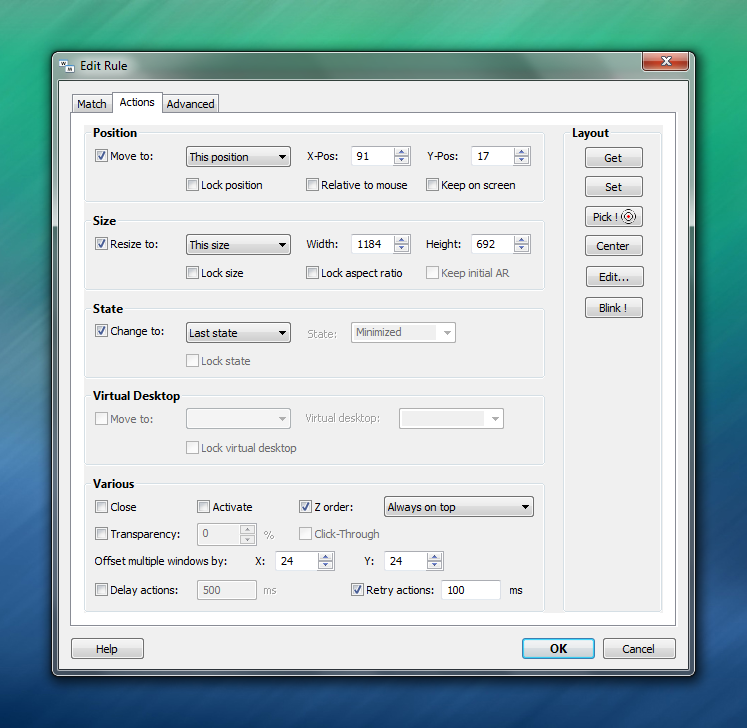
~Make the window always on top~
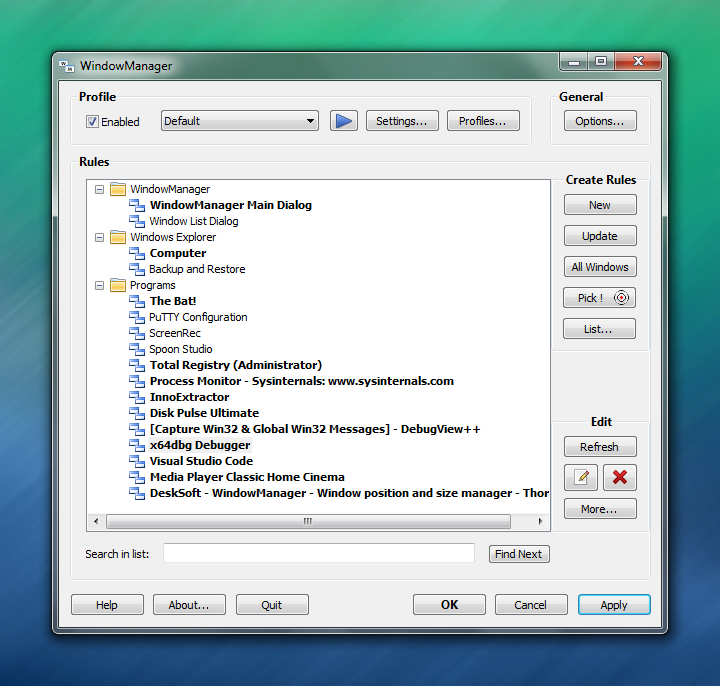
WindowManager - helps you to improve your work flow by remembering and restoring the position and size of your programs and windows. Many programs don't remember their position and size between sessions and even Windows Explorer does not restore windows to their last position under Windows 7 or higher. This is where WindowManager steps in and makes sure your windows are placed exactly where you want them every time you open them. WindowManager even allows you to lock the position and size of any window, so that it will always open at the same spot no matter where you move it. The window handling is fully customizable and you can set up special rules for your favorite or most frequently used windows. You can also make WindowManager send keystrokes or mouse-clicks to a program when its window is opened, run additional programs and other advanced actions. With WindowManager, you can also minimize most windows to the system tray. Furthermore, WindowManager supports and enhances the virtual desktop functions of Windows 10 and 11 (switching desktops with Hot-Keys, individual desktop icons, etc.)
Key Features:
• Remembers and restores the position and size of your programs and windows
• Supports explorer windows, programs, dialogs, etc.
• Configurable rules for moving or sizing only, activating, closing windows, etc.
• Advanced actions for typing text into windows, pressing keys, clicking mouse buttons, etc.
• Can be configured to work like "Save Workspace" for Excel users
• Multi-monitor support
• Multiple profiles
• Powerful trigger system for profile switching
• Hot-key support
• Minimize windows to the system tray area
• Virtual desktop support & enhancements (hot-keys, individual desktop icons, etc.) for Windows 10 and 11
• Fully customizable
• Silent installation and uninstallation for mass deployment
• Especially designed for Windows 10 and 11
System requirements:
Supported operating systems (32 and 64 bit):
• Windows Vista
• Windows 7
• Windows 8
• Windows 10
• Windows 11
• Windows Server
Windows XP is supported up to v6.6.2 of the program, which can be downloaded here.
Homepage: https://www.desksoft.com/WindowManager.htm
Скачать: WindowManager v6.6.2
Скачать: WindowManager v10.22.3
Скачать: WindowManager v10.23.0
Скачать: WindowManager v10.23.1
WindowTop v5.28.6
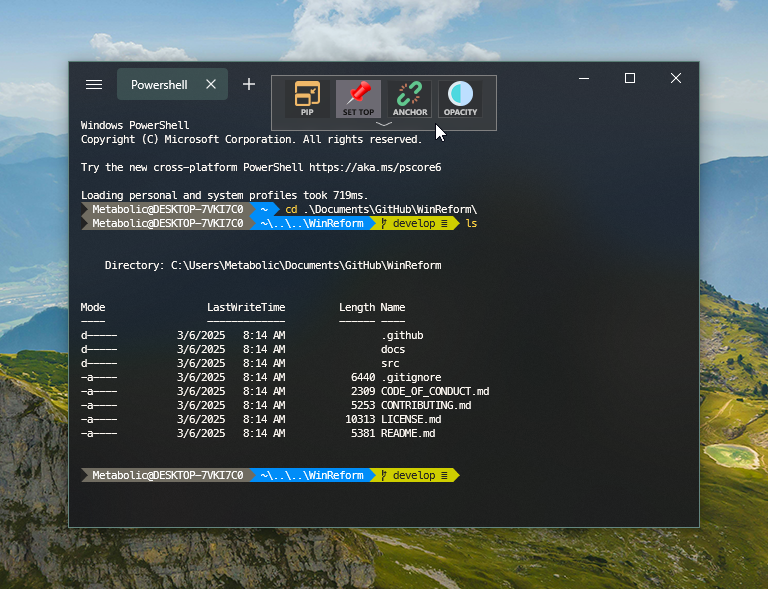
WindowTop - is a powerful Windows window manager and productivity tool that lets you keep any window always on top, create floating Picture-in-Picture (PiP) windows, adjust window opacity and transparency, and easily manage multiple windows with Anchors.
Whether you want to overlay transparent windows while working, watch videos while gaming, or reduce eye strain with Dark Mode, WindowTop gives you full control over your Windows desktop multitasking. Start using it for free and unlock advanced features with the Pro version!
Features:
• Always on Top
• PiP (Picture in Picture) & Crop
• Anchors
• Opacity
• Dark Mode
• Glass Mode
WindowTop v3.5.3 last version for Windows 7
Author: Gil Eli
Homepage: https://windowtop.info
Homepage: https://windowtop.info/features/always-on-top/
GitHub: https://github.com/gileli121/WindowTop (old url)
GitHub: https://github.com/BiGilSoft/WindowTop (old url)
GitHub: https://github.com/WindowTop/WindowTop-App
SourceForge: https://sourceforge.net/projects/windowtop/
Скачать: WindowTop v3.5.3
Скачать: WindowTop v5.28.3
Скачать: WindowTop v5.28.4
Скачать: WindowTop v5.28.6
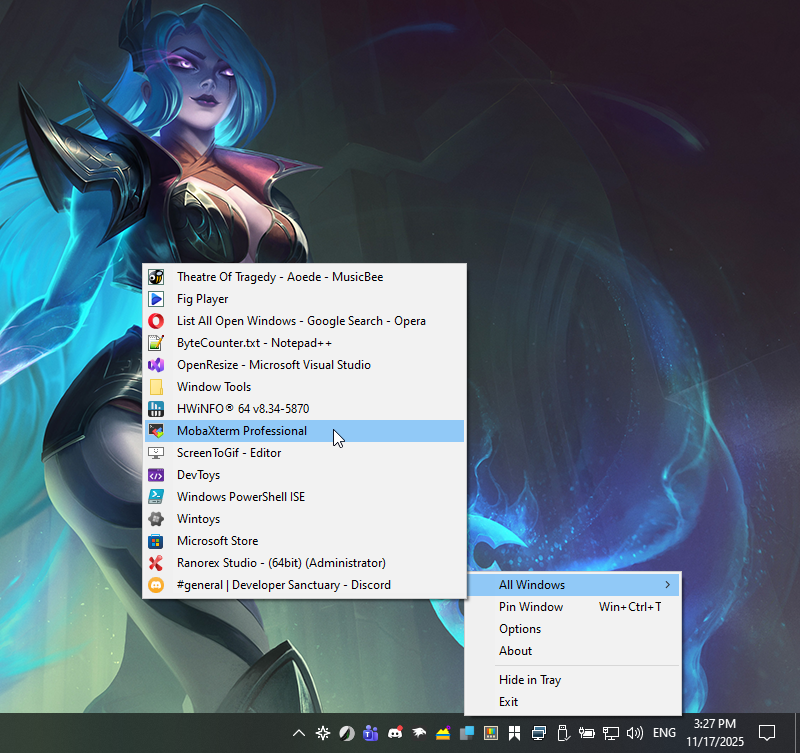
PowerToys AlwaysOnTop v0.96.0 (Tray Manager)
Microsoft PowerToys - is a collection of utilities that help you customize Windows and streamline everyday tasks.
PowerToys includes over 25 utilities to help you customize and optimize your Windows experience:
GitHub: https://github.com/microsoft/PowerToys
Microsoft Learn: https://learn.microsoft.com/en-us/windows/powertoys/always-on-top
Download: https://github.com/microsoft/PowerToys/releases
Download: https://github.com/microsoft/PowerToys/releases/download/v0.96.0/PowerToysUserSetup-0.96.0-x64.exe (Per user - x64)
Download: https://github.com/microsoft/PowerToys/releases/download/v0.96.0/PowerToysSetup-0.96.0-x64.exe (Machine wide - x64)
Скачать: PowerToys v0.96.0
|